Create and edit visual, voice, and music assets from one prompt.
Free to start · No credit card required
Generate, revise, and export media from one conversation.
Create product shots, scenes, portraits, and edits from plain language.
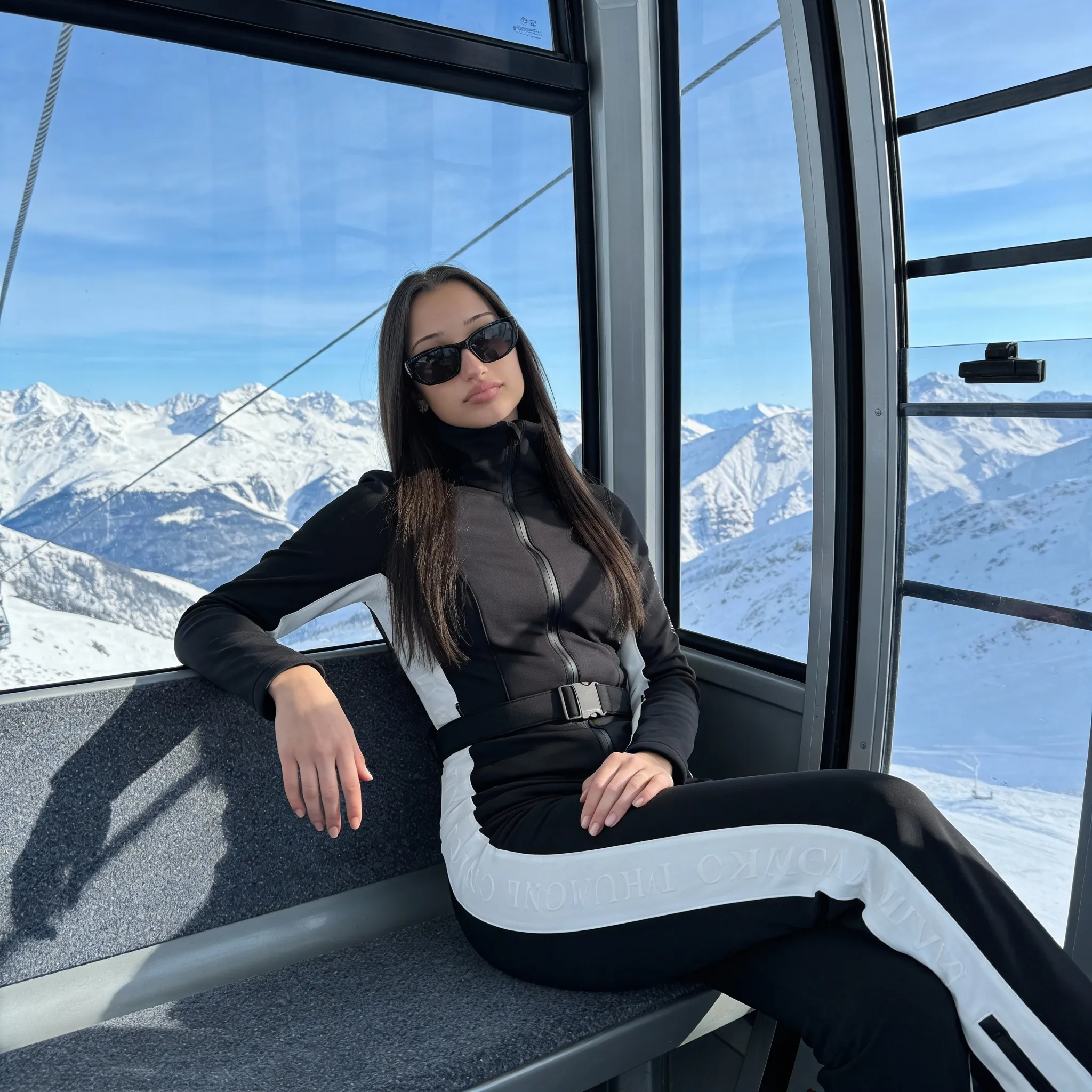
Girl in cable car, mountain view

Man in black suit, luxury car
Turn scenes or still images into short clips ready for social and ads.
Generate natural narration, demos, dubs, and multilingual audio.
Professional narration
Alex · Male, warm · 0:32
Make background tracks, loops, and moods without licensing friction.

Lo-fi Background
2:15 · 128 kbps
One prompt
Change the style, duration, voice, format, or crop without starting over.
Describe the asset, wait for variants, then export the files.
Step 01
Mention style, format, length, mood, and where the asset will be used.
Step 02
Creative batch
RenderingAsk for more versions, a different crop, another voice, or a new style.
Step 03
hero-image.png
PNG · 2.4 MB
product-video.mp4
MP4 · 18 MB
lofi-loop.mp3
MP3 · 3.8 MB
Download assets, keep editing in chat, or reuse the same prompt for another format.
Everything you need to know about AI content generation.
Images in any style, short videos from text prompts, voiceovers in multiple voices and languages, background music, and sound effects.
Yes. Ask Jobbit to remove objects, change backgrounds, adjust style, or modify a specific part of the image.
Videos are generated as MP4 files. Short clips are best for social content, ads, product demos, and quick visual concepts.
Assets generated in Jobbit are designed for commercial use, so you can ship them in your product, marketing, or internal work.
Yes. Upload a reference image and describe the changes you want, from a new background to a different visual style.
The voice engine creates natural narration with pacing and emotion, including multiple voices and languages.
Images, videos, voiceovers, and music from a conversation.
